QuickBooks Missing Receipt Software: Native Requests vs Dedicated Chasing
Intuit shipped a great deal into this area during 2026, and a lot of what is written about “QuickBooks missing receipt software” predates it. This page describes what Requests actually does today, taken from Intuit’s own help article, and then says where a separate tool still earns its place.
Short answer
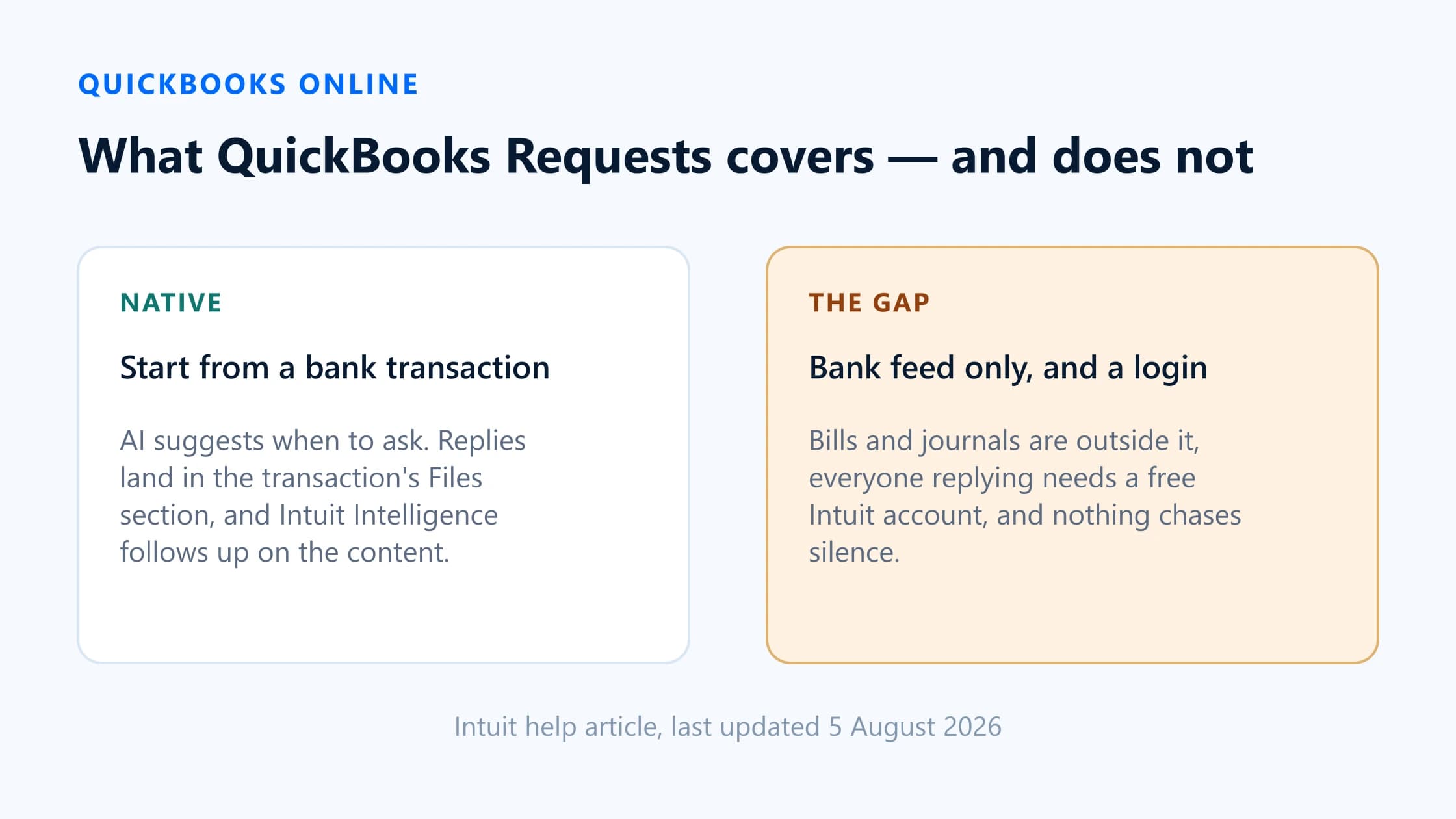
QuickBooks Online now handles a large part of this itself. Requests for more information lets you start a request from one or several bank transactions, send it to a client or colleague, and review replies inside QuickBooks; Intuit Intelligence checks each reply and asks a follow-up within seconds if something is missing. Intuit says it is available in all QuickBooks Online plans including Simple Start, in QuickBooks Ledger and in Intuit Accountant Suite, but not in QuickBooks Solopreneur.
Two gaps remain. Requests is anchored on bank transactions, so it is not a general missing-attachment sweep across bills and journals; and everyone who replies needs an Intuit account, even a contact you add specifically because they do not have QuickBooks. A dedicated chasing tool is worth adding when those two things are what is costing you time.
What QuickBooks handles natively
Requests for more information is the relevant feature, and it is more capable than most write-ups suggest. From Intuit’s help article, last updated 5 August 2026:
- Starts from transactions. You can raise a request from a single bank transaction using the
+icon in the Requests column, or select several with the same question and use Request more info in the banner. - AI prompts you. A Suggested by AI icon appears in the Requests column when QuickBooks thinks it needs more information to categorise a transaction correctly.
- Batched sending. Requests queue in a list and are sent together, so the recipient replies to everything from one link rather than several.
- Two response types plus free text. Ask for more info, Ask for receipt, or your own question.
- Status tracking. The Requests column shows open, replied and completed, and a Requests page sorts everything into Open, Ready for review and Completed.
- AI follow-up. Intuit Intelligence reviews each reply and asks follow-up questions within a few seconds if more information is needed. It is on by default and can be turned off in Requests settings.
- Non-QuickBooks contacts. You can add someone without a QuickBooks login, such as an office manager. They do not consume a user seat and get no QuickBooks access.
- Assignment. With Request Assignment on, each person sees only the requests assigned to them plus unassigned ones; the primary admin sees everything.
- Straight into coding.Once a reply arrives, the Suggestions panel offers AI-generated categorisation based on it, and the file appears in the transaction’s Files section.
Intuit Intelligence by country
Availability of the surrounding AI is not uniform, and this is the part most likely to be out of date by the time you read it. Intuit’s UK material describes Intuit Intelligence as available to UK QuickBooks Online Accountant customers, and Intuit’s Australian material describes Intuit Accountant Suite — which includes Intuit Intelligence — being made available to Australian firms to trial from February 2026. Intuit also notes that while it works in all supported languages, some AI output is English only, and that some capabilities have been limited to admin users.
Rather than reproduce a country matrix that will drift, the reliable check is in-product: open a client’s bank transactions and look for the Requests column. If it is there, you have it.
The missing-attachment gap
Given all of the above, what is actually left? Three things, and whether they matter depends entirely on how your practice works.
1. It starts from bank transactions, not from everything undocumented
Every route into Requests in Intuit’s documentation goes through Bank transactions. That is the right anchor for the categorisation problem it was built for — an unexplained card payment on the feed. It is a narrower anchor than “every posted transaction in this company with no attachment”, which also includes supplier bills entered directly and journal entries that should carry supporting documentation.
QuickBooks also has no per-transaction attachment flag, so there is no native way to list the undocumented ones across a company. A tool that wants that list has to read the transactions and compare them against the attachment list itself.
2. Everyone who replies needs an Intuit account
This is the significant one for practices with clients who are not desk-based. Intuit is explicit: a contact you add gets “an email invite to sign in to or create a free Intuit account so they can reply from the Client Portal”, and a collaborator using Requests for the first time is “asked to create or sign in to a free Intuit account”.
Free is not the same as frictionless. Every account creation is a step where a request stops. If your clients are trades, food and drink, or landlords with three properties and no interest in your software stack, this is where the process actually fails — not in the wording of the email.
3. It is per company, and so is everything around it
Requests lives inside a client’s QuickBooks company. A practice with sixty clients has sixty Requests lists. Intuit scopes an OAuth approval to a single company file as well, so anything connecting programmatically inherits the same shape. There is no native cross-client view of “every client who still owes me paperwork this month”.
QuickBooks Requests versus BilagPilot
| Attribute | QuickBooks Requests | BilagPilot |
|---|---|---|
| Where the list comes from | You, or an AI suggestion, acting on bank transactions. | A scheduled sync of Purchase, Bill and Journal Entry records with nothing attached. |
| Transaction types covered | Bank transactions. | Expenses, bills and journals — Purchase, Bill and Journal Entry records. |
| Client access | Free Intuit account required, including for added contacts. | Secure expiring link. No account, no password. |
| Reminders | Manual resend. AI follows up on the content of a reply, not on silence. | Scheduled, escalating, consolidated per client, stops on response. |
| Review before acceptance | You mark complete. AI can be left to chase detail automatically. | Mandatory. Approve, reject with a reason that reopens the item, or mark unavailable. |
| Where the file ends up | The transaction's Files section, natively. | Attached to the expense, bill or journal. Orphans go to the company Attachments list. |
| Coding and posting | AI suggests a category; you post the transaction. | Approved documents are returned to the supported destination in QuickBooks. |
| Cross-client view | Per company. | One queue across every connected client. |
| Ledgers | QuickBooks only. | QuickBooks Online, Xero, Sage Accounting, FreeAgent. |
| Cost | Included in the QuickBooks plans listed above. | A separate subscription. 14-day trial, no card. |
Where the list comes from
- QuickBooks Requests
- You, or an AI suggestion, acting on bank transactions.
- BilagPilot
- A scheduled sync of Purchase, Bill and Journal Entry records with nothing attached.
Transaction types covered
- QuickBooks Requests
- Bank transactions.
- BilagPilot
- Expenses, bills and journals — Purchase, Bill and Journal Entry records.
Client access
- QuickBooks Requests
- Free Intuit account required, including for added contacts.
- BilagPilot
- Secure expiring link. No account, no password.
Reminders
- QuickBooks Requests
- Manual resend. AI follows up on the content of a reply, not on silence.
- BilagPilot
- Scheduled, escalating, consolidated per client, stops on response.
Review before acceptance
- QuickBooks Requests
- You mark complete. AI can be left to chase detail automatically.
- BilagPilot
- Mandatory. Approve, reject with a reason that reopens the item, or mark unavailable.
Where the file ends up
- QuickBooks Requests
- The transaction's Files section, natively.
- BilagPilot
- Attached to the expense, bill or journal. Orphans go to the company Attachments list.
Coding and posting
- QuickBooks Requests
- AI suggests a category; you post the transaction.
- BilagPilot
- Approved documents are returned to the supported destination in QuickBooks.
Cross-client view
- QuickBooks Requests
- Per company.
- BilagPilot
- One queue across every connected client.
Ledgers
- QuickBooks Requests
- QuickBooks only.
- BilagPilot
- QuickBooks Online, Xero, Sage Accounting, FreeAgent.
Cost
- QuickBooks Requests
- Included in the QuickBooks plans listed above.
- BilagPilot
- A separate subscription. 14-day trial, no card.
Which workflow fits your firm?
For a lot of QuickBooks-only practices the honest answer is that Requests is enough and you should not buy anything. That is a real recommendation, not a rhetorical one.
Good fit for BilagPilot
- You work across more than one ledger and want a single chasing queue rather than one per platform.
- Your clients will not create an Intuit account, and you can see requests dying at that step.
- You need to chase bills and journals, not only what appears on the bank feed.
- You want scheduled escalating reminders that run without anyone at the firm deciding to send them.
- You want a review gate that cannot be delegated to AI, and an audit trail showing who was asked and what they said.
Poor fit for BilagPilot
- You are QuickBooks-only and your clients are already comfortable in the Client Portal. Requests covers this well and costs nothing extra.
- Your bottleneck is categorisationrather than collection. Intuit Intelligence’s suggestions are aimed squarely at that.
- You need the QuickBooks connection to be generally available today rather than in pilot.
The deciding question is narrow: over the last three months, did more requests fail because the reply was incomplete, or because there was no reply at all? Intuit has built well for the first. The second is a cadence-and-access problem, and that is what a dedicated chasing tool is for. If you are unsure, measure it for a fortnight before spending anything.
Sources
Everything on this page that describes another company’s product, or a rule set by HMRC, comes from that organisation’s own published material. Each entry below records the date this page last checked it, because these change without notice.
- Request more information on a transaction (updated 5 August 2026)
Intuit QuickBooks Support · checked 17 August 2026
- Intuit Intelligence: your AI partner for strategic client advisory
Intuit QuickBooks UK · checked 17 August 2026
- Intuit Accountant Suite feature update (Australia)
Intuit QuickBooks Australia · checked 17 August 2026
- BilagPilot integrations: QuickBooks transaction types, sync window and attachment limits
BilagPilot · checked 17 August 2026
Keep reading
Client Document Collection Software Compared
Eight tools including QuickBooks Requests, side by side on transaction awareness, login, reminders and file-back.
Read itCapture Tools vs Chasing Tools
Why 'receipt software' means two different jobs, and how to tell which one your firm actually has a problem with.
Read itSecure Client Document Upload Without Login
What makes a no-login link safe, and when asking the client to sign in is genuinely the better choice.
Read itMissing Receipt Chasing Cost Calculator
Work out whether the remaining gap is worth paying to close, using your own client numbers.
Read itChase across every QuickBooks client from one place
BilagPilot reads Purchase, Bill and Journal Entry records for the clients you connect, chases with a link that needs no Intuit account, holds every file for your review, and attaches approved documents back onto the transaction.
No card required. Nothing is charged automatically.