BilagPilot vs Xero Ask: A Xero Ask Alternative for Missing Receipt Chasing
This is the comparison most Xero practices should start with, because one side of it is already paid for. The honest framing is not “which is better” but “is the gap between them worth a second subscription for your particular client base”.
Short answer
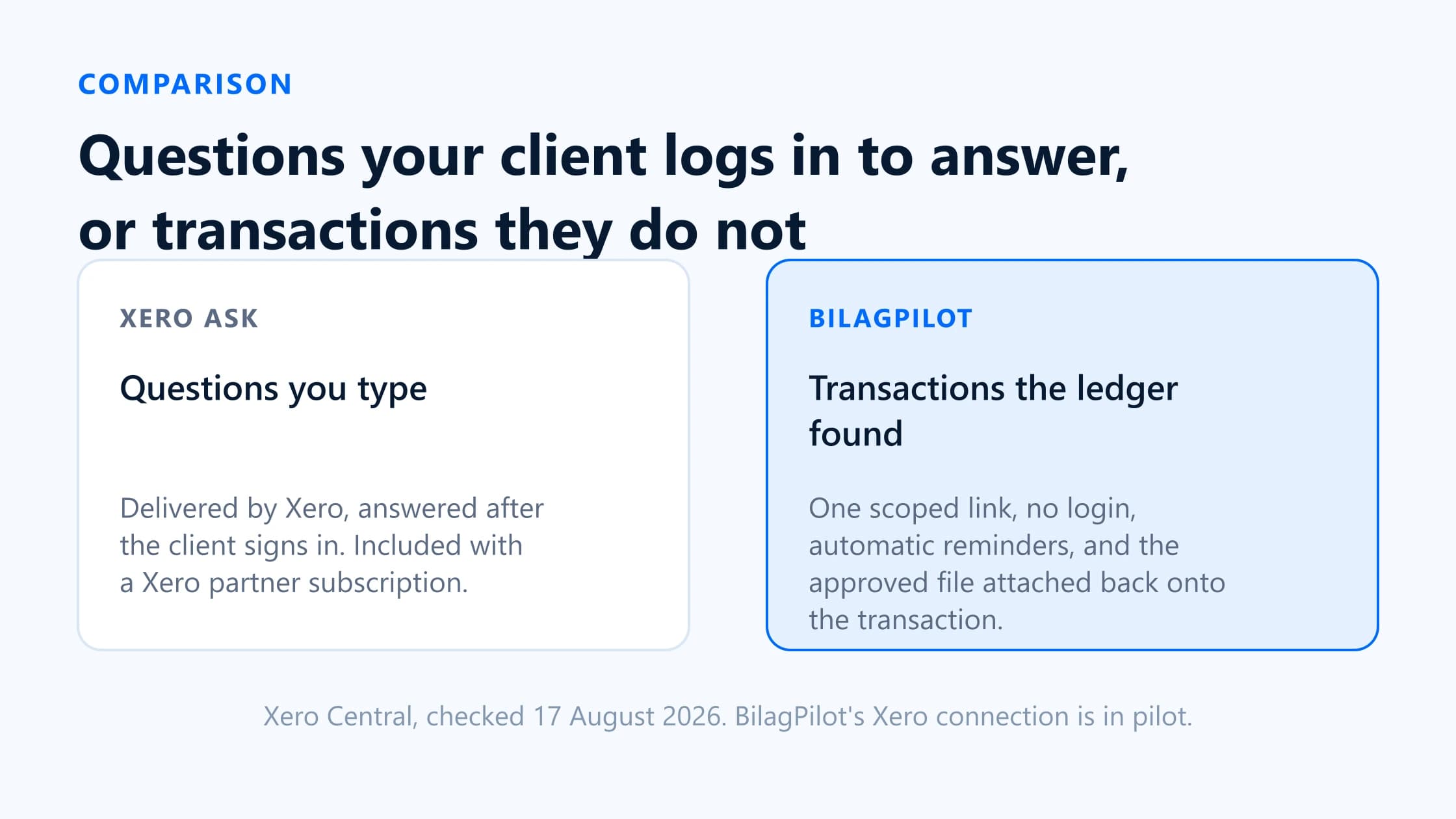
Xero Ask sends questions your client answers after logging in to Xero. BilagPilot sends transactions your client answers without logging in to anything. That is the whole difference, and everything else follows from it.
Ask is included with your Xero partner subscription, handles up to 160 questions per query, supports templates, and takes up to 100 files per answer at 25 MB each. If your clients will log in and you are happy compiling the list yourself, it is genuinely enough and you should not pay for anything. BilagPilot exists for the two cases where it is not: clients who will not create a login, and lists you do not want to compile by hand.
The difference in one sentence
Ask is a query tool. You write questions, Xero delivers them, the client logs in and answers, and the answers come back attached to the query. Xero Central describes it as “a secure way to request information or documents from your clients”, and that is exactly what it is — a general channel for asking clients things, of which receipts are one case.
BilagPilot is a missing-document recovery loop. It reads Xero for posted transactions with nothing attached, turns each into a request line, collects without a login, reminds on a schedule, holds everything for review, and attaches the approved file back onto the transaction it came from.
The consequence worth internalising: with Ask, the accuracy of the request is entirely down to how well you compiled the list beforehand. Xero has no report for transactions without an attachment — Xero said in December 2025 that one is not on its roadmap — so that compilation is manual.
Feature-by-feature comparison
| Attribute | Xero Ask | BilagPilot |
|---|---|---|
| Where the list comes from | Questions you type. Xero has no missing-attachment report to build it from. | A scheduled sync using Xero's per-transaction attachment flag. |
| What the client sees | Your questions, up to 160 per query. Templates can be saved and reused. | A list of transactions with date, amount and counterparty on each line. |
| Client access | Xero login required. Xero states a client without one will need to create one. | A scoped, expiring link. No account, no password. |
| Forwarding to a colleague | The new person must log in and request access; you then get an email asking you to resend. | The link works for whoever holds it — convenient, and the reason it is not identity verification. |
| Reminders | Manual. Xero Central documents resending a query, not a cadence. | Automatic, escalating, consolidated per client, stopping on any response. Email and SMS. |
| Partial answers | Supported — answers save automatically so the client can return later. | Supported. The same link stays live and the next reminder names only what is left. |
| Rejecting a wrong file | Reopen the query and ask again. | Reject with a reason that reaches the client and reopens the item into the cadence. |
| 'The receipt does not exist' | A free-text answer, if you asked a question that allows one. | An explicit state with the client's explanation recorded against the item. |
| Where files end up | Against the query. Up to 100 files per answer, 25 MB each. Filing onto transactions is manual. | Attached to the bank transaction or bill, visible in Xero immediately. Xero's ceiling of 10 per transaction at 10 MB applies. |
| Multiple clients at once | Yes — the same query can go to more than one client. | Yes, but each client's list is generated from their own ledger, so it differs by client. |
| Non-transaction requests | Yes. Any question at all — this is a real strength. | Items can be added by hand, but the product is built around transactions. |
| Other ledgers | Xero only. | QuickBooks Online, Xero, Sage Accounting, FreeAgent. |
| Who in the practice can use it | Anyone, regardless of user role. Standard users need edit permission to view all queries for their clients. | Role-scoped, with restricted accountants limited to assigned clients on supported plans. |
| Cost | Included with a Xero partner subscription. | A separate subscription. 14-day trial, no card. |
Where the list comes from
- Xero Ask
- Questions you type. Xero has no missing-attachment report to build it from.
- BilagPilot
- A scheduled sync using Xero's per-transaction attachment flag.
What the client sees
- Xero Ask
- Your questions, up to 160 per query. Templates can be saved and reused.
- BilagPilot
- A list of transactions with date, amount and counterparty on each line.
Client access
- Xero Ask
- Xero login required. Xero states a client without one will need to create one.
- BilagPilot
- A scoped, expiring link. No account, no password.
Forwarding to a colleague
- Xero Ask
- The new person must log in and request access; you then get an email asking you to resend.
- BilagPilot
- The link works for whoever holds it — convenient, and the reason it is not identity verification.
Reminders
- Xero Ask
- Manual. Xero Central documents resending a query, not a cadence.
- BilagPilot
- Automatic, escalating, consolidated per client, stopping on any response. Email and SMS.
Partial answers
- Xero Ask
- Supported — answers save automatically so the client can return later.
- BilagPilot
- Supported. The same link stays live and the next reminder names only what is left.
Rejecting a wrong file
- Xero Ask
- Reopen the query and ask again.
- BilagPilot
- Reject with a reason that reaches the client and reopens the item into the cadence.
'The receipt does not exist'
- Xero Ask
- A free-text answer, if you asked a question that allows one.
- BilagPilot
- An explicit state with the client's explanation recorded against the item.
Where files end up
- Xero Ask
- Against the query. Up to 100 files per answer, 25 MB each. Filing onto transactions is manual.
- BilagPilot
- Attached to the bank transaction or bill, visible in Xero immediately. Xero's ceiling of 10 per transaction at 10 MB applies.
Multiple clients at once
- Xero Ask
- Yes — the same query can go to more than one client.
- BilagPilot
- Yes, but each client's list is generated from their own ledger, so it differs by client.
Non-transaction requests
- Xero Ask
- Yes. Any question at all — this is a real strength.
- BilagPilot
- Items can be added by hand, but the product is built around transactions.
Other ledgers
- Xero Ask
- Xero only.
- BilagPilot
- QuickBooks Online, Xero, Sage Accounting, FreeAgent.
Who in the practice can use it
- Xero Ask
- Anyone, regardless of user role. Standard users need edit permission to view all queries for their clients.
- BilagPilot
- Role-scoped, with restricted accountants limited to assigned clients on supported plans.
Cost
- Xero Ask
- Included with a Xero partner subscription.
- BilagPilot
- A separate subscription. 14-day trial, no card.
Where each option wins
Xero Ask wins when
- Your clients are already comfortable in Xero. If they log in to raise invoices, the login is not a barrier, and Ask costs nothing extra.
- You need to ask questions, not collect transactions— year-end queries, a director’s loan explanation, confirmation of a policy.
- You want one query across many clients. Ask sends the same query to a whole list; a transaction-generated request is by definition per client.
- Volume is low enough to compile by hand. Below roughly thirty transactions per client per month, the detection problem is not yet a problem.
- You want large attachments. Ask takes 100 files per answer at 25 MB; Xero’s transaction attachments cap at 10 files at 10 MB.
- You need attribution. The login means you know which Xero user answered.
BilagPilot wins when
- Your clients will not log in. This is the decisive one for trades, hospitality, and landlords.
- Compiling the list is the expensive part of your month, not sending the message.
- You want chasing that runs itself — scheduled, escalating, self-stopping, without anyone deciding to send it.
- You want documents filed back automatically onto the transaction rather than downloaded from a query and re-attached.
- You work across more than one ledger and want a single queue.
- You need an audit trail of the chase itself — who was asked, how often, and what they said when a receipt did not exist.
Which should your firm choose?
The test
Two questions, answered honestly about your actual client base rather than your best clients.
1. What proportion of your clients would log in to Xero to answer a query? Not “could” — would, this month, without a phone call from you. If the answer is most of them, Ask is your tool and you can stop reading.
2. How long does someone spend each month working out what is missing, before anyone is contacted? If it is under an hour across the whole practice, the detection gap is not costing you enough to fix. If it is a day, it is.
Good fit for BilagPilot
- Bookkeeping-heavy practices where the same clients are short the same paperwork every month.
- Client bases that are mobile-first and login-averse.
- Practices on more than one ledger.
- Firms that need to show they chased, with dates.
Poor fit for BilagPilot
- Xero-only practices with Xero-comfortable clients. Ask is free and sufficient.
- Firms whose requests are mostly questions rather than documents.
- Anyone needing the Xero connection generally available today — see the status note below.
- Firms wanting the tool to code or post entries. BilagPilot never will.
A reasonable answer for many practices is both: Ask for questions and year-end queries, where its flexibility and its place inside Xero are genuine advantages, and a transaction-aware tool for the monthly receipt chase. They are not competing for the same slot as often as the comparison format implies.
Sources
Everything on this page that describes another company’s product, or a rule set by HMRC, comes from that organisation’s own published material. Each entry below records the date this page last checked it, because these change without notice.
- Ask in Xero Partner Hub — login requirement, forwarding behaviour, file limits, user roles
Xero Central · checked 17 August 2026
- Send and review Ask queries — how the client gets access, resending a query
Xero Central · checked 17 August 2026
- JAX for accountants and bookkeepers (BETA)
Xero Central · checked 17 August 2026
- Reports — Generate a report for transactions without receipts attached (Xero response, 8 December 2025)
Xero Product Ideas · checked 17 August 2026
- BilagPilot integrations: Xero transaction types, attachment limits and readiness
BilagPilot · checked 17 August 2026
Keep reading
Xero Client Chasing Software
The six stages a chasing workflow has to cover, and how much of each Xero already handles.
Read itHow to Find Xero Transactions Without Attachments
The detection problem in detail — the step Ask cannot help with, whatever else it does.
Read itSecure Client Document Upload Without Login
The security case on both sides of the login question, and when Ask's login is the better control.
Read itBilagPilot vs Chazy
The other Xero app that starts from transactions, and a very different view on how much AI should decide.
Read itTry the transaction-led version of the same job
Connect a Xero organisation and let BilagPilot produce the list rather than typing it. One link per client, no Xero login for them, automatic reminders, and approved files attached back onto the transaction.
No card required. Nothing is charged automatically.